Sentry USB
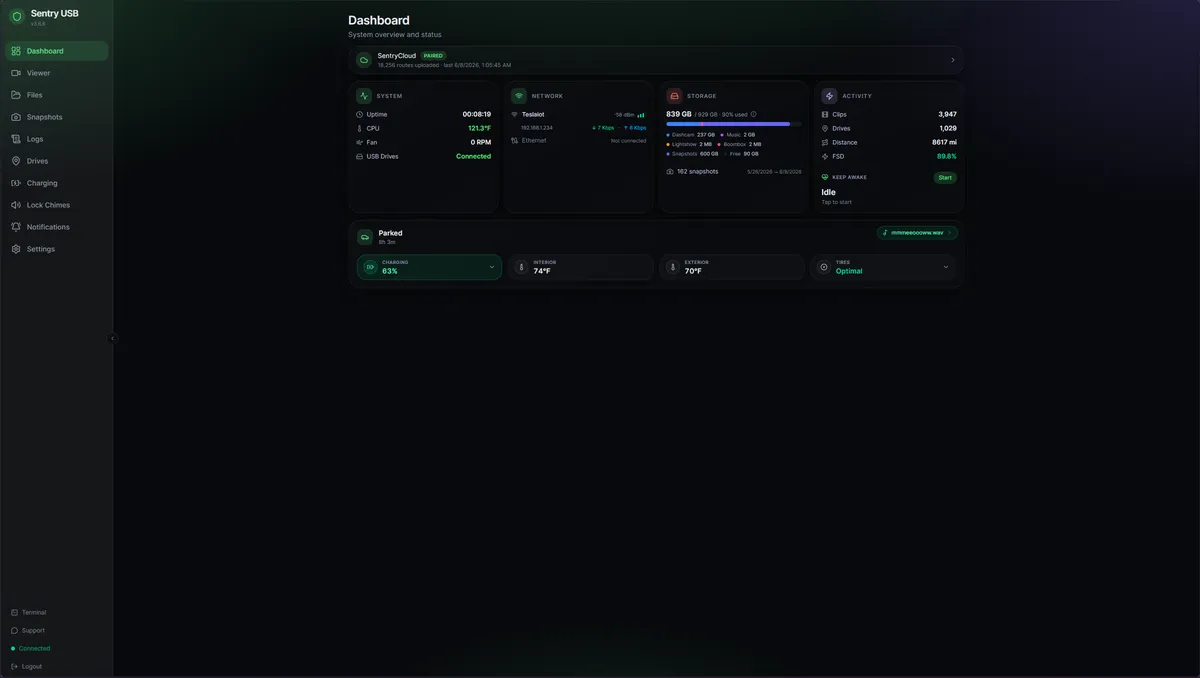
Turn a Raspberry Pi into a smart USB drive for your Tesla. Track every drive, archive footage automatically, and manage everything from a modern web UI. Now rewritten in Rust — same config, faster server, more reliable.
A lot more than a USB stick
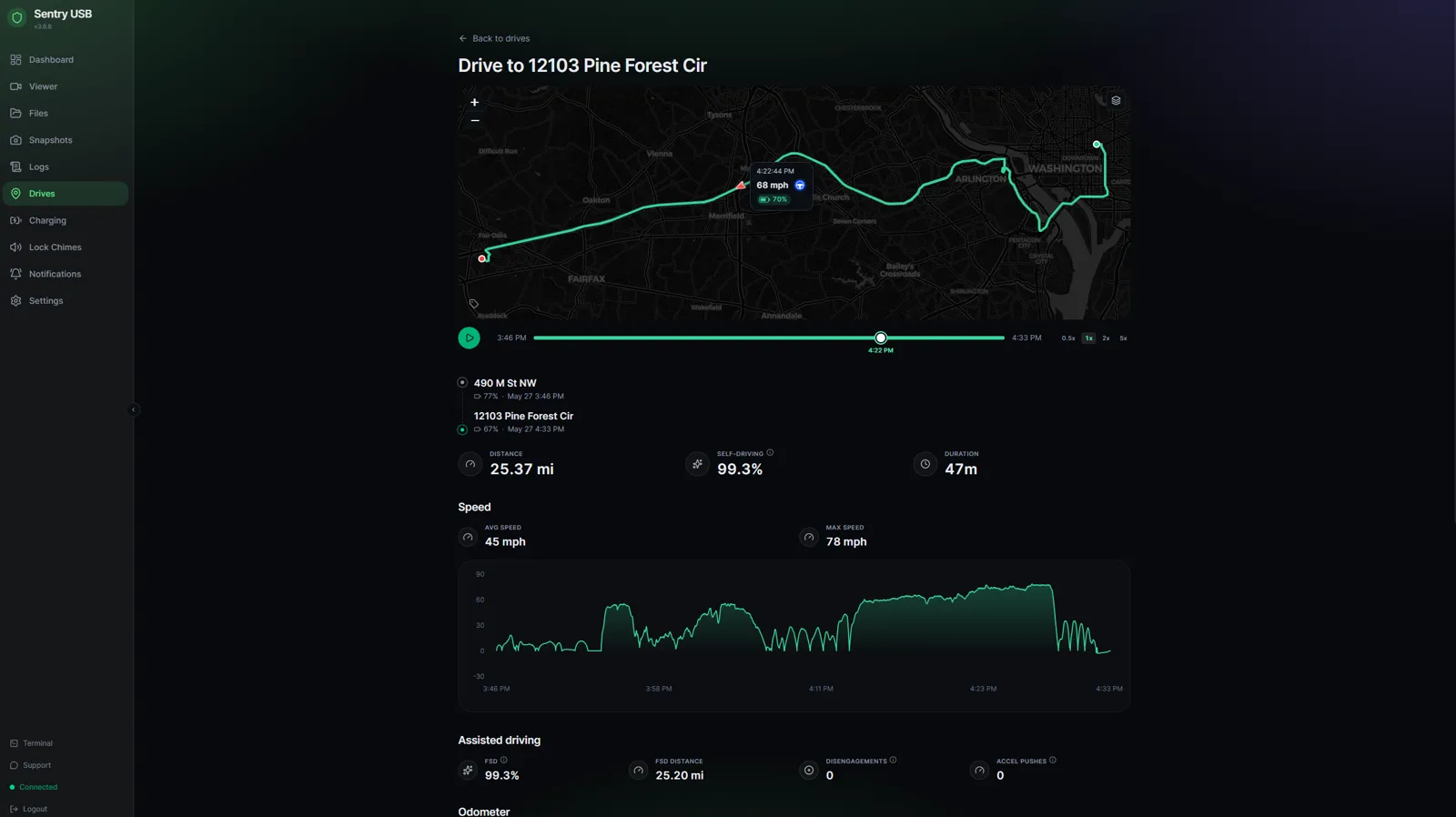
Drives Tracking
Every trip with route, distance, duration, battery deltas, and FSD usage — plus the dashcam clips that recorded it, one click away.
Tesla BLE Telemetry
Battery, HVAC, cabin and exterior temps, TPMS, odometer, and location — pulled over Bluetooth and layered onto each drive. No Tesla API subscription needed.
Multi-Camera Viewer
Synchronized playback of up to six camera feeds in the browser, with an HW3-aware adaptive grid and drift correction.
Auto-Archive
CIFS/SMB, rsync, rclone for cloud storage, or NFS. Archiving kicks off automatically whenever the Pi sees your home Wi-Fi.
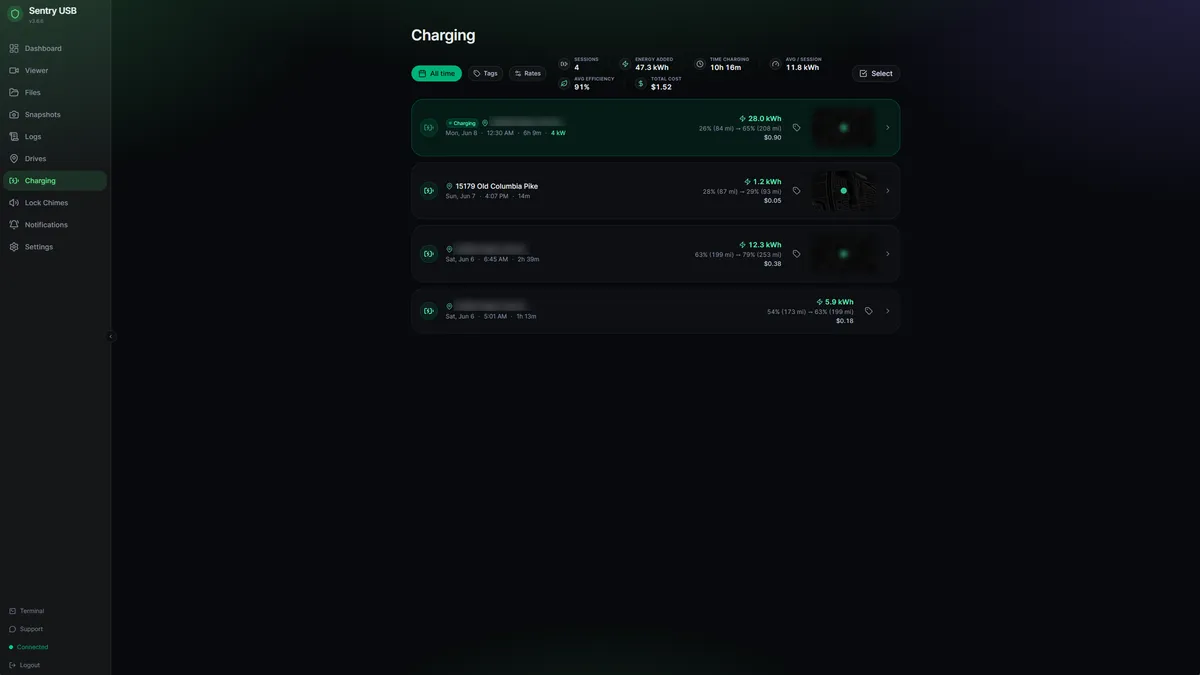
Charging History
Every charge session — energy added, duration, cost, and charging speed — with per-tag time-of-use electricity rates and rolling totals.
Keep Awake
Keep the car awake and the dashcam recording via BLE (free), TeslaFi, Tessie, or a generic webhook.
Sentry Cloud Sync
Optional encrypted drive and charging-history sync, currently in beta. Requires a Sentry Cloud account and separate plans and policies; dashcam video is not uploaded.
12 Notification Providers
Pushover, ntfy, Gotify, Discord, Telegram, Slack, Signal, Matrix, AWS SNS, IFTTT, webhooks, and native iOS push via Sentry Connect.
Privacy-First
No device fingerprint by default. Analytics are opt-in. Local recording and archiving stay under your control, with optional online features.
See it in action
Up and running in five steps
- 1Flash Raspberry Pi OS Lite (64-bit) to a 256 GB+ SD card
- 2SSH in and run the one-line installer
- 3Open sentryusb.local in a browser
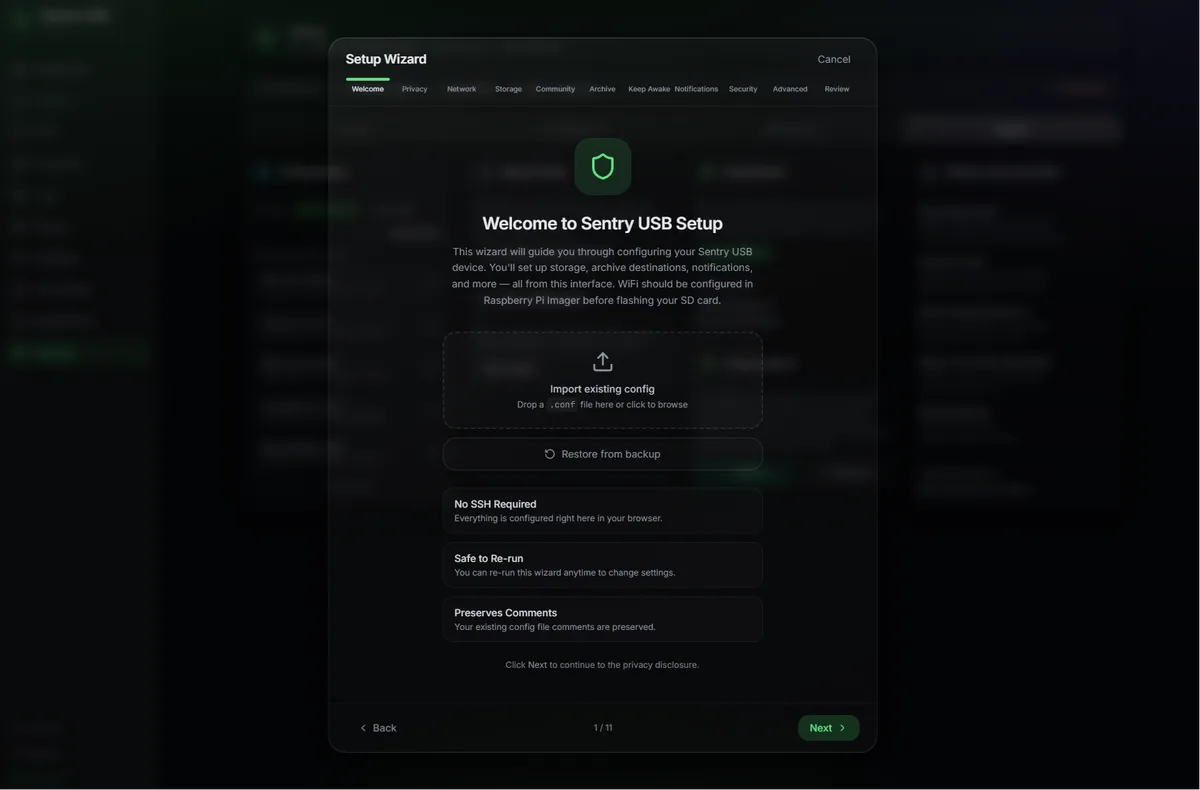
- 4Complete the 11-step setup wizard — no config files
- 5Plug the Pi into your Tesla with a USB 3.0 data cable
Run sudo apt update && sudo apt upgrade -y first — stale Pi OS images will otherwise hit 404s during install.
Compatible hardware
You'll also need a 256 GB+ MicroSD card and a USB 3.0 data cable (not charge-only) — even on USB 2.0 boards, it delivers more power and keeps lower-end Pis stable.
Automate your archiving
Stop pulling the USB stick out of your car. Let the Pi do the work.
Explore the rest of the ecosystemComing from TeslaUSB?
See the shared roots, setup choices, licensing, and the features available in Sentry USB.
Compare Sentry USB and marcone’s TeslaUSB